

Record Integrity · 24 June 2026 · 9 min read
Screenshots as Supporting Context Rather Than Source Evidence
A screenshot captures what a user saw, not what a venue recorded. DC-Services treats it as supporting context, classifies it accordingly, and refuses to elevate pixels into source.

A screenshot is a photograph of a screen at a moment. It captures what the user saw, which is sometimes the same as what the venue recorded and sometimes not. DC-Services classifies screenshots as supporting context rather than source evidence, regardless of how clear, well-cropped, or convincingly timestamped they appear, and delivers a source-linked file in which the evidential hierarchy is visible rather than flattened.
Why The Classification Is Structural, Not Aesthetic
A source export is reproducible from the venue's system on demand; a screenshot is reproducible only by the user who took it, in the state their device was in at the time. The two have different evidential weight and the file does not pretend otherwise.
The structural difference applies regardless of any specific image's apparent integrity. A well-cropped screenshot of a balance is still a screenshot; classifying it accurately protects the file's stronger findings from being read down to the level of its weakest source.
Record Types: Screenshot, Photo, Recording, Source Export
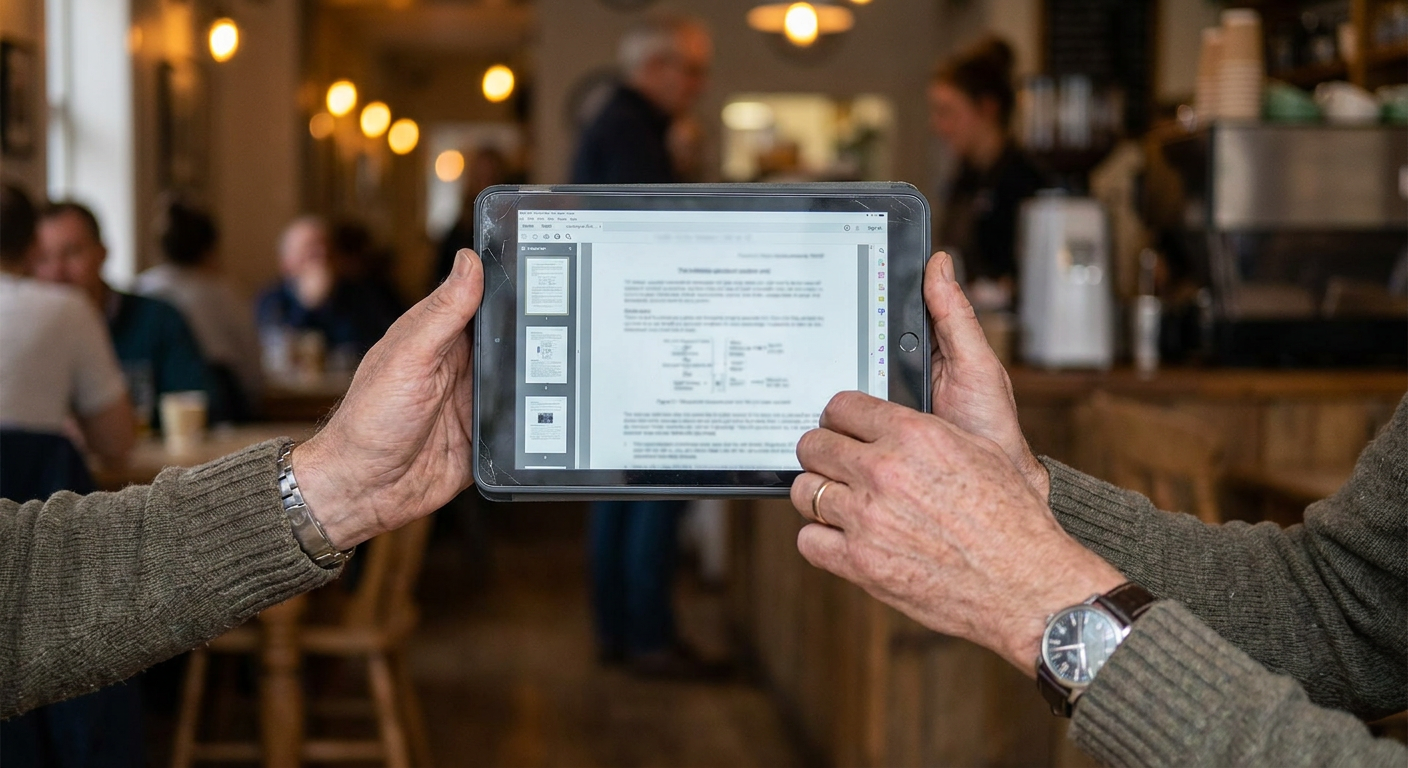
Screenshots, screen photographs, screen recordings and full source exports occupy distinct positions in the evidential hierarchy. Each is recorded as the type it is. A photograph of a screen taken with a phone is not a screenshot; a screen recording is not a static image. The file records the actual type.
Full source exports — CSV downloads, signed PDF statements, API responses with verifiable signatures — sit above the screenshot tier. The hierarchy is recorded once on the source-types page and applied consistently in every classification.
Classification And Pairing With Source
Each screenshot is classified as supporting context and, where possible, paired with a source export that documents the same fact. A screenshot of a balance paired with a corresponding statement is recorded as corroborated supporting context; a screenshot without a source pair is recorded as unsupported supporting context.
Pairing does not promote the screenshot to source; it confirms the underlying fact through a stronger record. The screenshot remains on the file as user-side context, and the source export carries the evidential weight.
Verification Of Provenance And Date
Provenance is recorded where it can be recovered: the device that took the image, the date the image was created, the application version where identifiable, and the user who supplied it to the engagement. Where any element of provenance is missing, the absence is recorded rather than assumed.
The image's apparent date — a clock visible in the screenshot, a date in the venue interface — is recorded separately from the file system date. The two often disagree, and the disagreement is documented rather than reconciled silently.
Unresolved Cases: No Source Available
Where a screenshot is the only available record of an event the source system no longer retains, it is preserved with full provenance and classified as supporting context only. The absence of source is recorded as an unresolved matter, with the reason source is unavailable named on the same page.
The file does not promote the screenshot to source on the strength of the absence. The fact that no better record exists does not change the evidential weight of the record that does; it changes only the file's coverage of the underlying fact.
Implications For Ownership, Control And Transfer
Ownership indicators drawn from screenshots are recorded as supporting context and require corroboration from source before they can carry a finding. A screenshot of an account page is not an attribution; it is a user-side view of an attribution that may or may not exist in the venue's records.
Control evidence based on screenshots — an image of a signing prompt, a wallet interface showing a balance — is similarly supporting context. Control is documented by chain records and signed messages, not by images of the interfaces used to produce them.
How DC-Services Records The Image
Each screenshot is recorded with its classification, its provenance, the fact it supports, and the source pair where one exists. The image itself is preserved in the file's image library with a stable reference, so the audit trail does not depend on the user's device retaining the original.
The summary at the front of the file lists the screenshots by category and identifies which are corroborated by source and which are not. A reviewer reading the summary knows the file's reliance on user-side context before reading the body.
Action Strategy For Unsupported Screenshots
Where the screenshot can be corroborated by requesting a source export from the venue, the framework specifies the request: the venue's channel, the data required, the date by which the response is needed. The request is preserved in the file regardless of the response.
Where corroboration is impossible — the venue no longer retains the data, the source system has been wound up — the framework records the limit and refers the residual evidential question to qualified counsel where the limit affects the engagement's purpose.
Screenshot Handling Checklist
- Classify the image as screenshot, photograph or screen recording.
- Record provenance: device, creation date, application version, user.
- Separate the image's apparent date from the file system date.
- Pair with a source export where one exists; record absence where it does not.
- Tag as corroborated supporting context or unsupported supporting context.
- Preserve the image in the file library with a stable reference.
- List in the summary by category and corroboration status.
- Request source from the venue where corroboration is possible.
Frequently asked questions
Why not treat a clear timestamped screenshot as source?
Because the screenshot's reliability depends on the device that produced it and the user who supplied it, neither of which is reproducible on demand. A source export is reproducible from the venue's system; the screenshot is not. The structural difference applies regardless of any specific image's clarity.
What happens when only a screenshot is available because the venue purged the data?
The screenshot is preserved with full provenance and classified as supporting context only. The absence of source is recorded as an unresolved matter with the reason for unavailability named. The file does not promote the screenshot to source on the strength of the absence.
Are screen recordings treated differently from screenshots?
Yes, marginally. A screen recording captures a sequence rather than a moment and can support claims about interface behaviour that a static image cannot. The recording remains user-side context, but its evidential weight on certain claims is greater than a static image's.
How is a photograph of a screen handled?
As supporting context with reduced reliability compared to a screenshot. A photograph of a screen introduces additional variables — the camera, the angle, the lighting, the possibility of physical alteration — and the classification reflects those variables explicitly.
Does DC-Services authenticate the images supplied by the client?
No. The work is documentation: classify the image accurately, record its provenance, pair it with source where possible, identify the absence of source where it exists. Image authentication is a forensic discipline outside the engagement's scope.
A file that elevates screenshots to source asks the reader to trust the weakest link, and the rest of the file inherits the doubt. Classifying them accurately costs nothing and protects the findings that the stronger records can actually carry.
More in Record Integrity
- Chain of Custody for Mixed Physical and Digital Files
9 Jan 2026
- Why Document Hashing Matters in a Sealed Archive
12 Feb 2026
- The Rejection Register and Conflicts Register as Integrity Tools
2 Apr 2026
- Timestamping, Trusted Time Sources, and the Audit Trail
28 May 2026
- Version Control for Amended Documents Inside a Sealed File
9 May 2026
- Treating Video Meeting Confirmations as Part of the Record Set
15 Jun 2026
- How Phone Conversations Are Treated Inside the Record File
18 Jun 2026
- Process Mapping for Record Handovers Between Engagement Stages
5 Jul 2026
- Contradictory Records in Digital Asset Documentation Files
1 Apr 2026
- AI-Supported Review and the Human Verification Step
19 Aug 2026
- Evidence Strength Scoring Inside a Documentation File
2 Sept 2026
- The Rejection Register as a Visible Governance Artefact
18 Nov 2026